What to check before using Xbox Cloud Gaming in the UK
Confirm the game, the device, the subscription and the connection you intend to use.
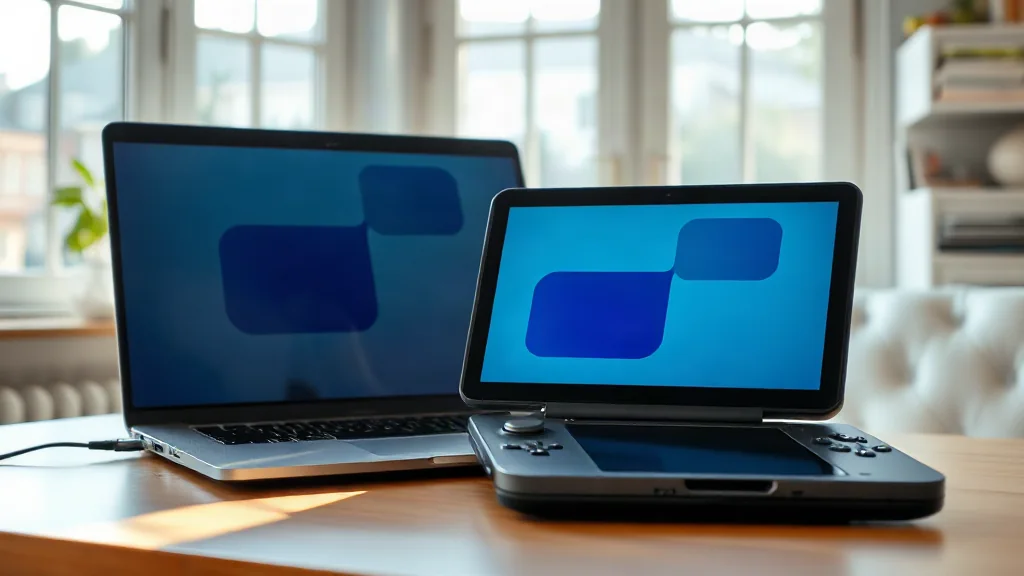
Start with the game you want to play. Xbox Cloud Gaming streams supported games on compatible devices, so search the UK cloud catalogue for the exact title. Check the subscription requirements for that game and compare them with the plan you use or are considering.
Next, check device compatibility for the screen you actually plan to play on. If you expect to switch between devices, check each one and confirm the available play options. Review the connectivity requirements against the connection you intend to use, especially if you plan to play somewhere other than home. If you already have access, try a short session on that device and connection before committing to a longer one.